















Skip weeks of pre-production. Upload your script and get a complete storyboard, shot list, screenplay, and animatic — powered by the best AI models available.
Take full control of your storyboard compositions. Set precise camera angles — from bird's eye to low angle, dutch tilt to over-the-shoulder — and get cinematic results that match your director's vision exactly.
Try It Now →From script upload to final animatic — see every step of the process.
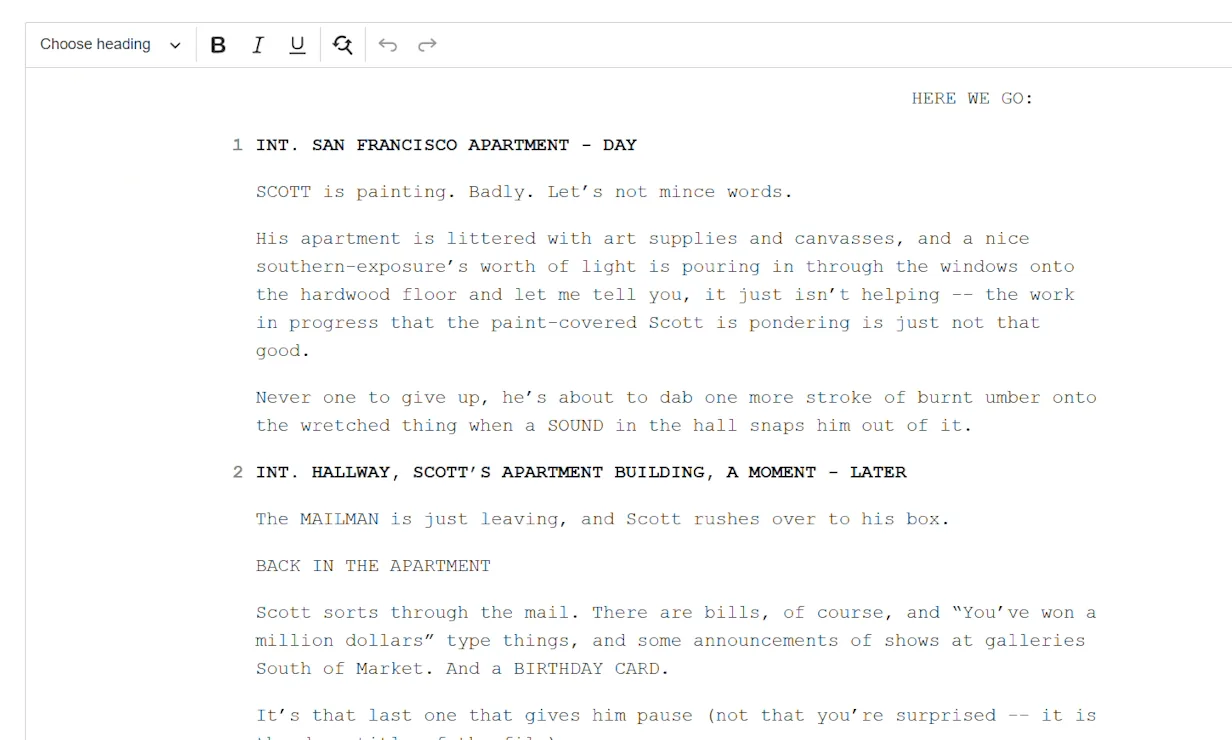
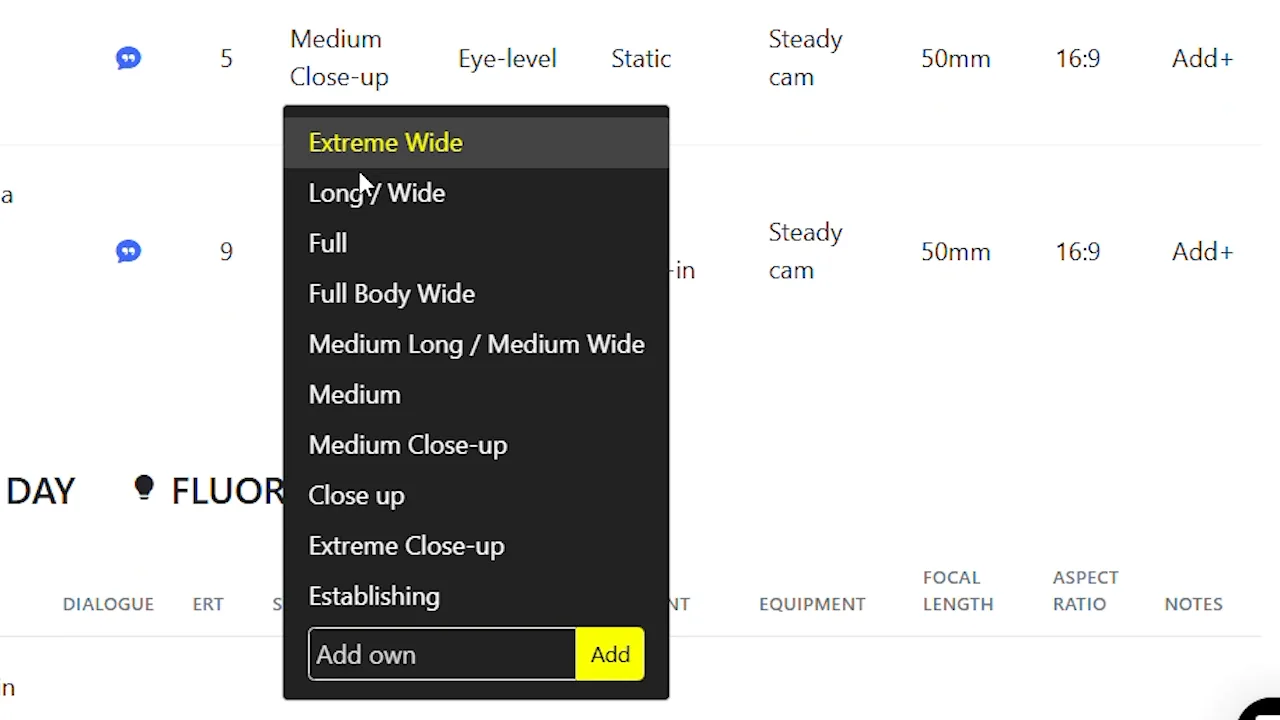
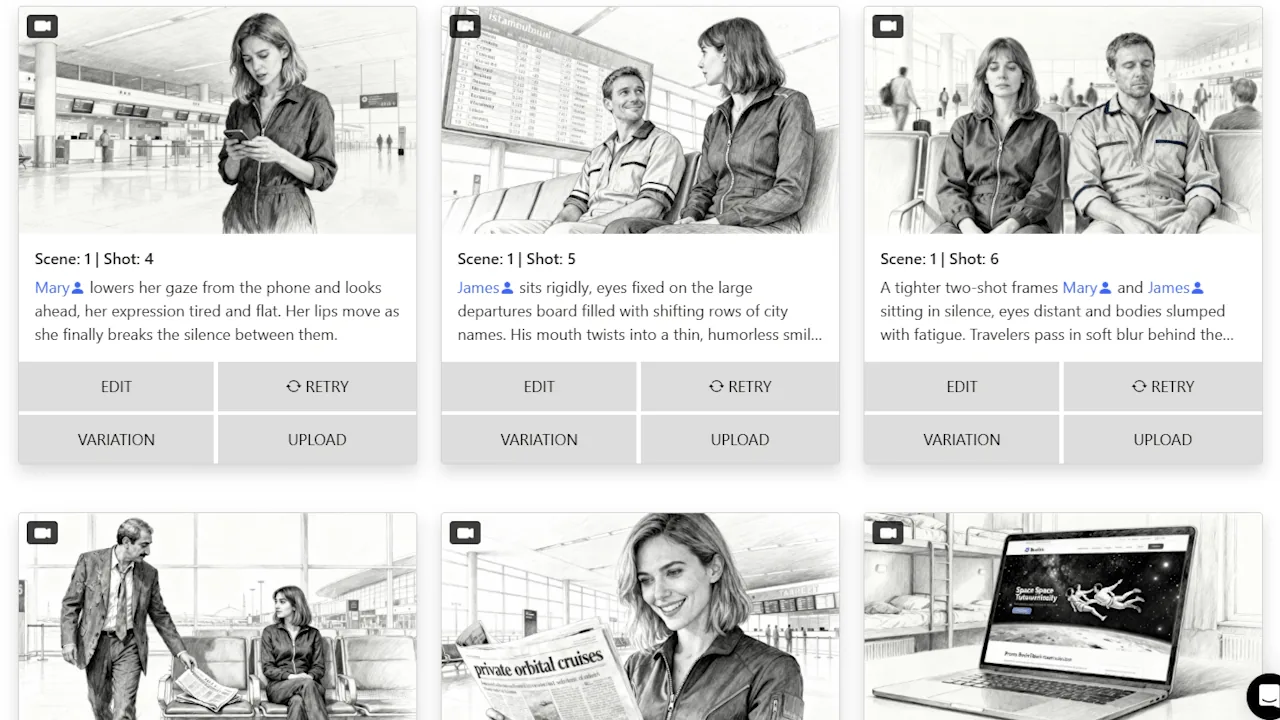
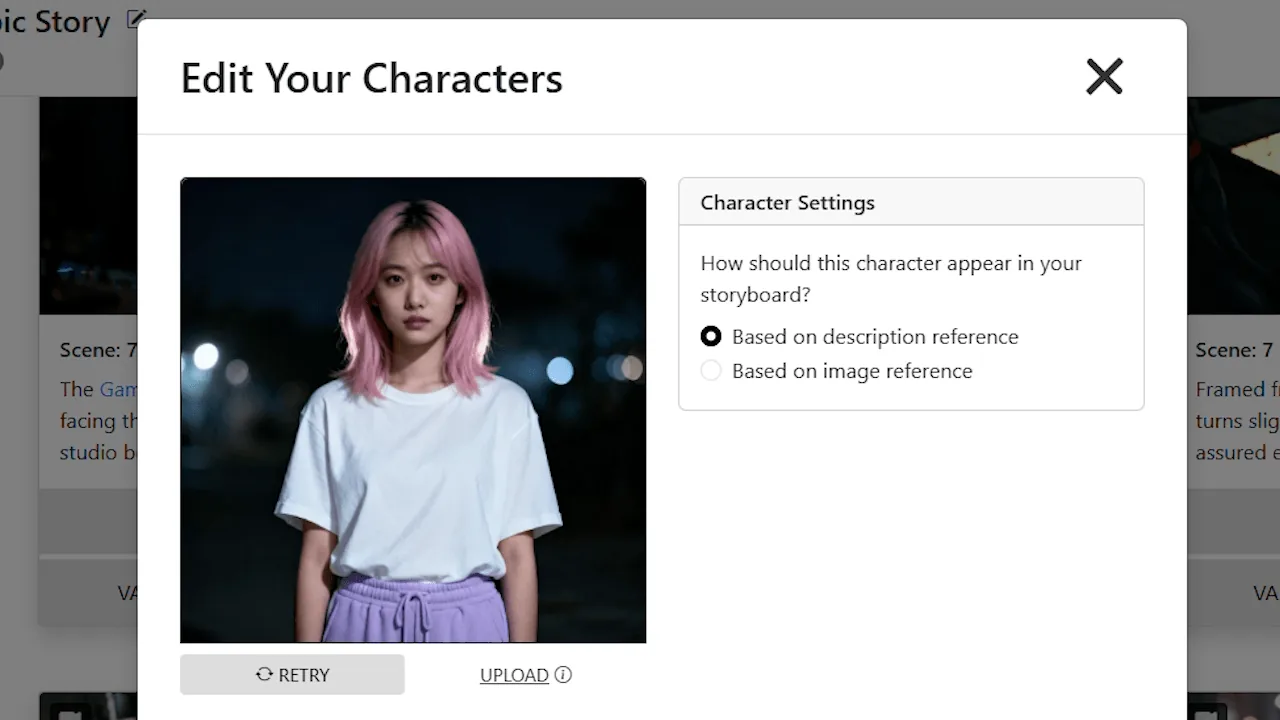


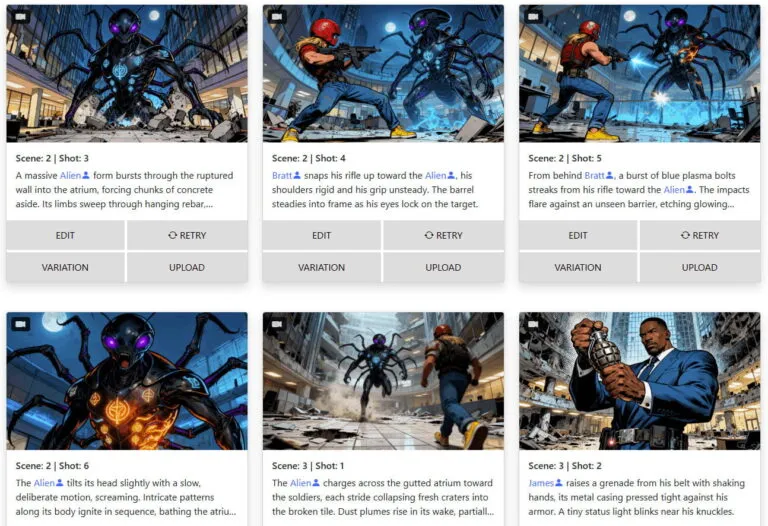
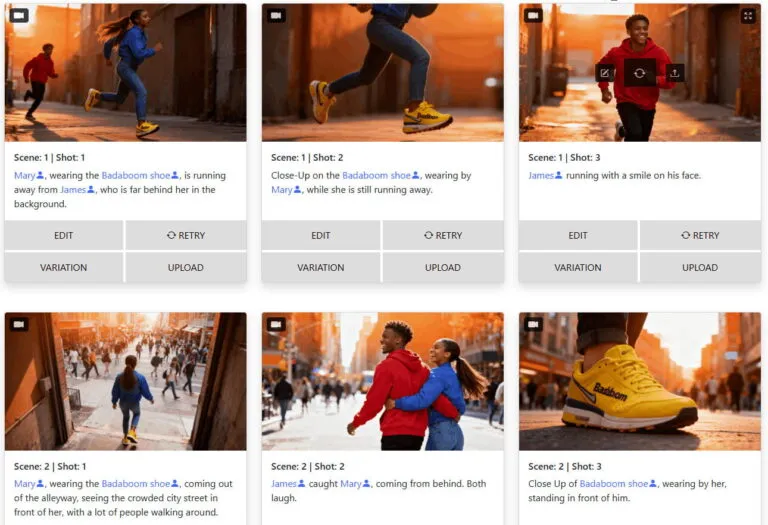
Your characters look the same from shot to shot. Your locations stay recognizable across every scene. Our AI locks in visual consistency — so your storyboard reads like one cohesive story, not a patchwork of random images.

Upload your script or describe your concept — and get a complete shot list, full storyboard, and animatic generated automatically. One input, every deliverable your production needs.


Find the exact camera position for any shot — without reshooting. Based on a single storyboard image, our 3D camera tool lets you orbit, pan, and reframe the scene until you land on the perfect angle.

Regenerate, refine, and rework your storyboard images as many times as you want. There are no credits to run out of and no per-image fees. Your creativity should never be limited by a counter.

Turn your storyboard into a polished pitch deck instantly. Choose from multiple professional designs and export a presentation-ready deck — perfect for pitching to studios, investors, or clients.
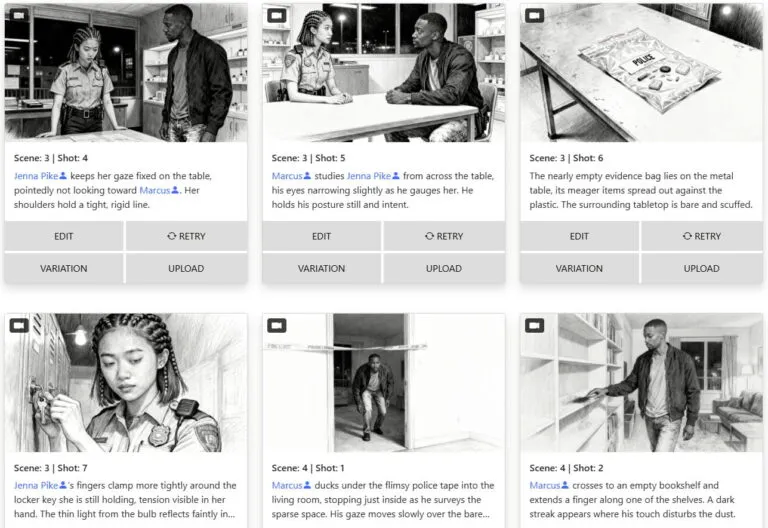
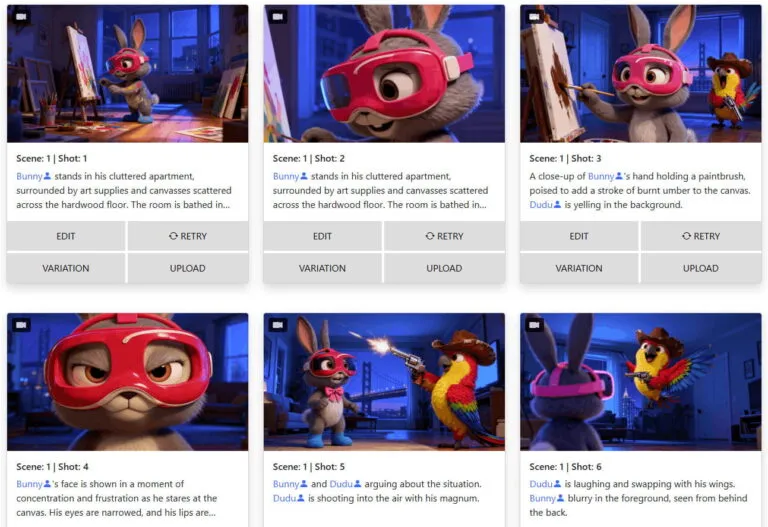
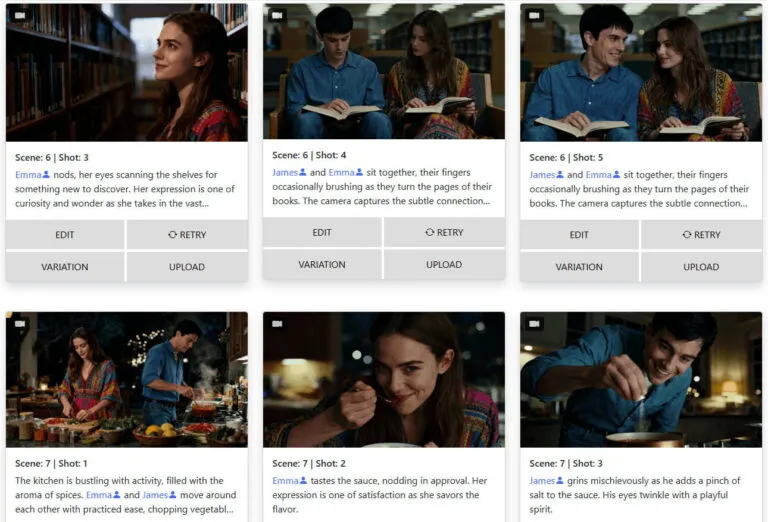
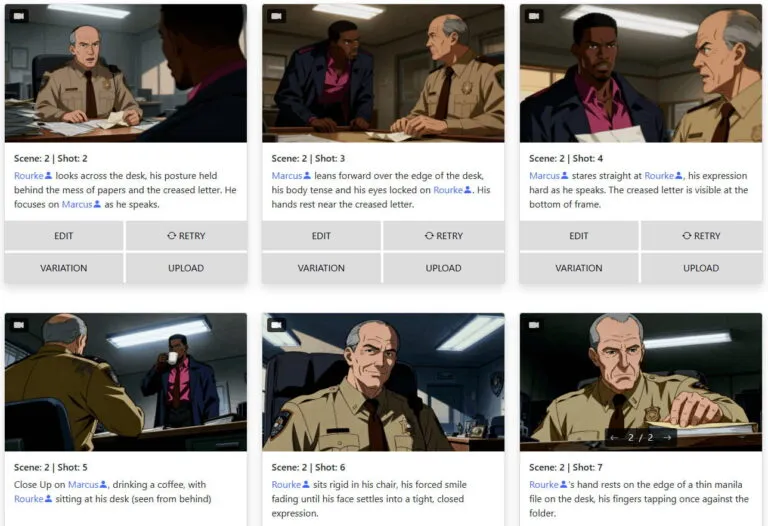
Real storyboards generated by our users. From feature films to commercials, the quality speaks for itself.
Everything you need to know about storyboarder.ai — in under two minutes.
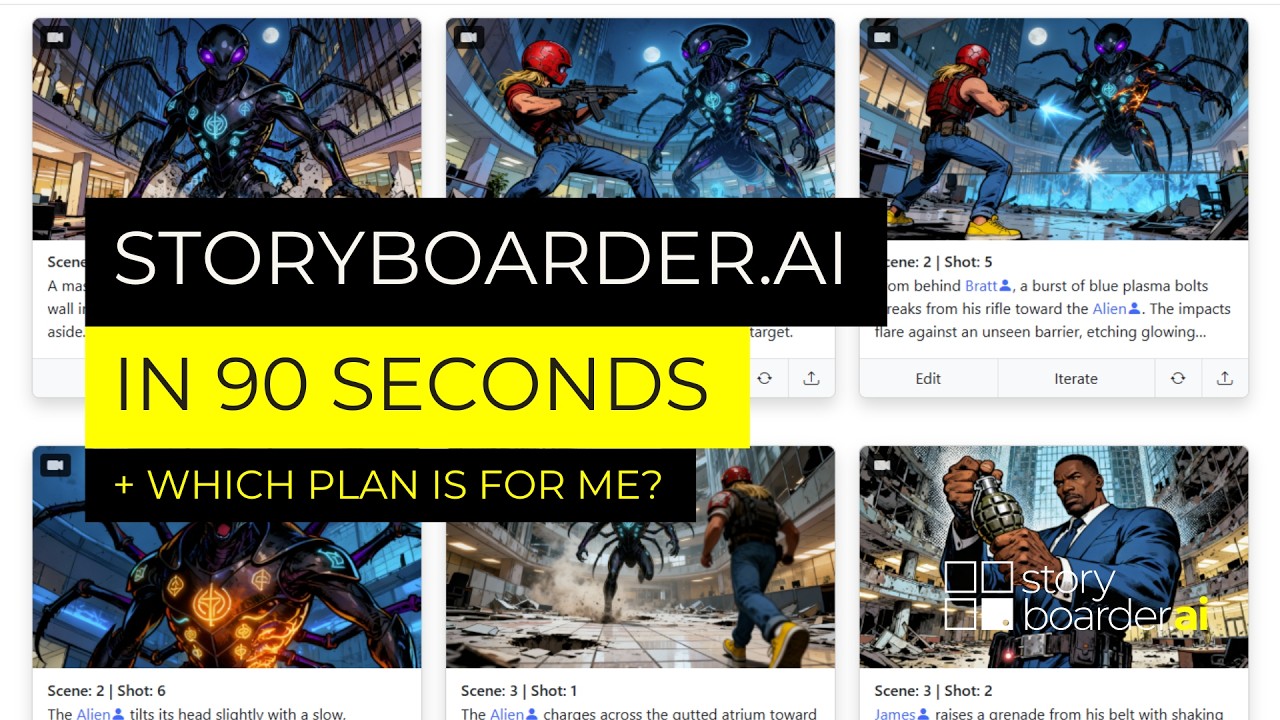
Video: Storyboarder.ai in 90 seconds — also available on the Help Center
Built by filmmakers, for filmmakers. Every tool designed for real production workflows.
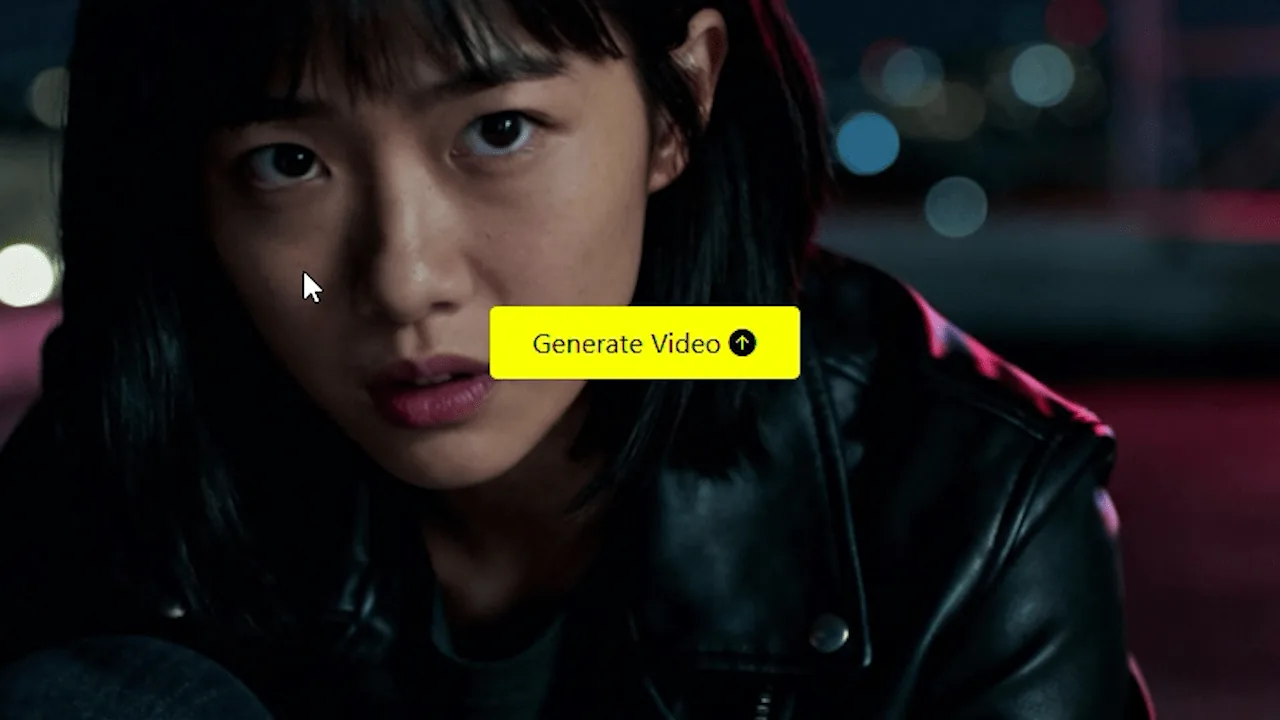
Transform your static storyboard frames into dynamic, cinematic animatics with AI-driven motion, camera movement, and audio. Industry-leading video quality for pitches, previs, and client presentations.
Hover to see more →Maintain recognizable characters, locations, and props across every frame — the most consistent AI on the market.
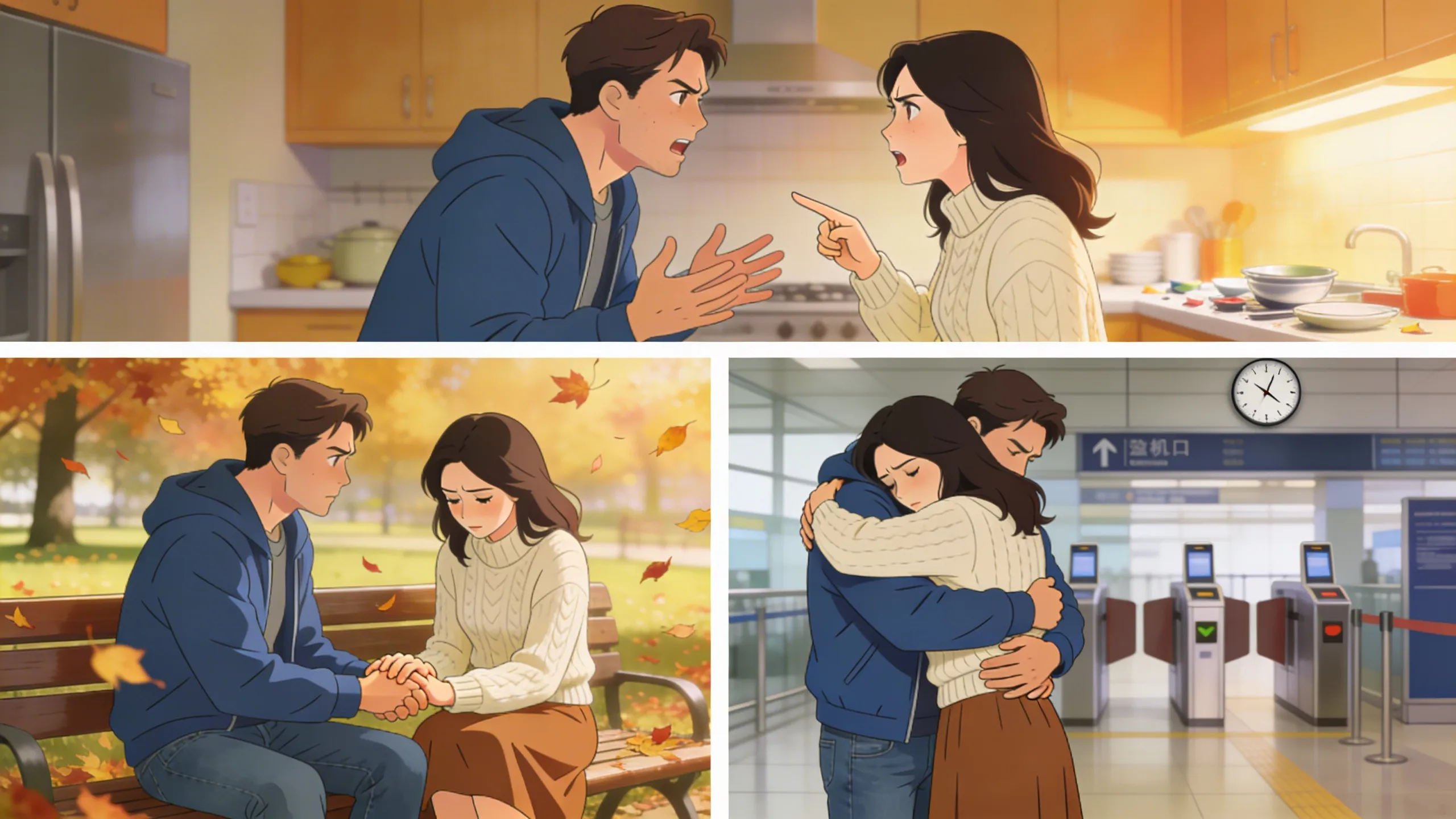 Hover to see more →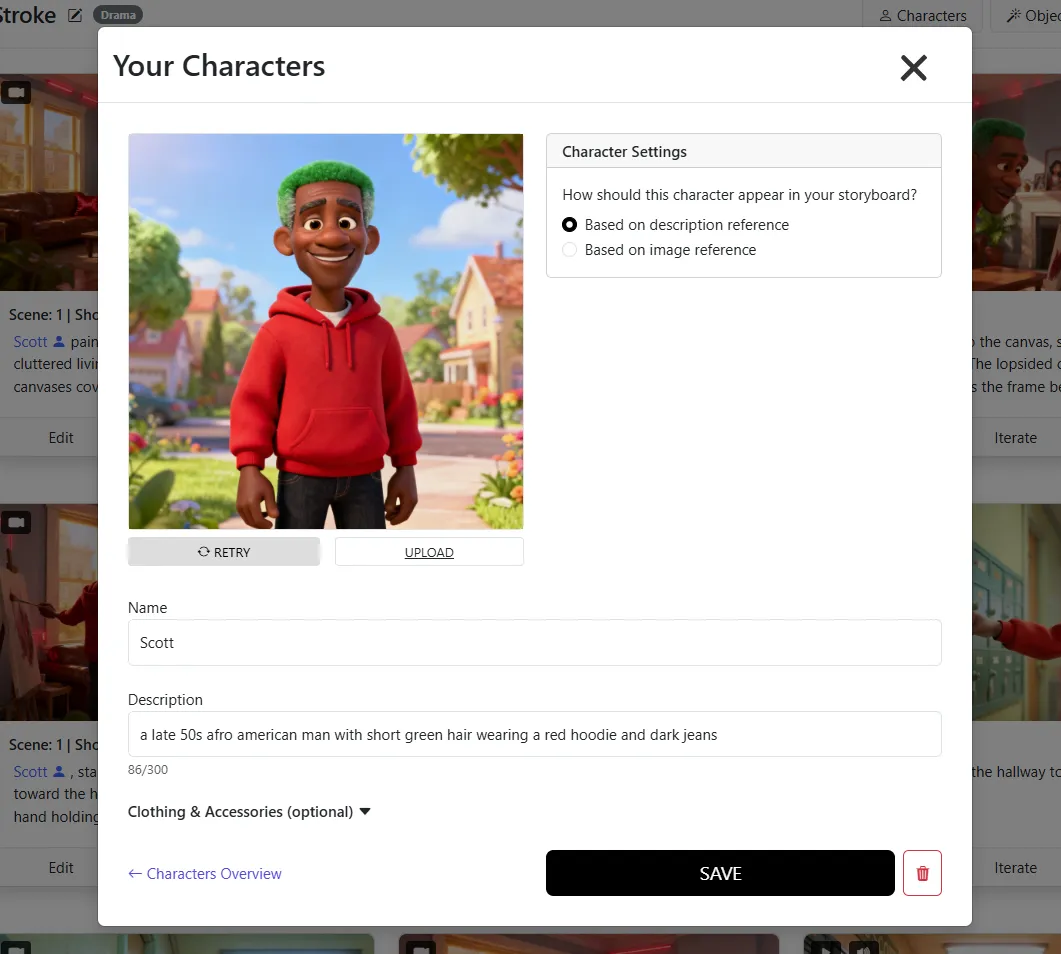
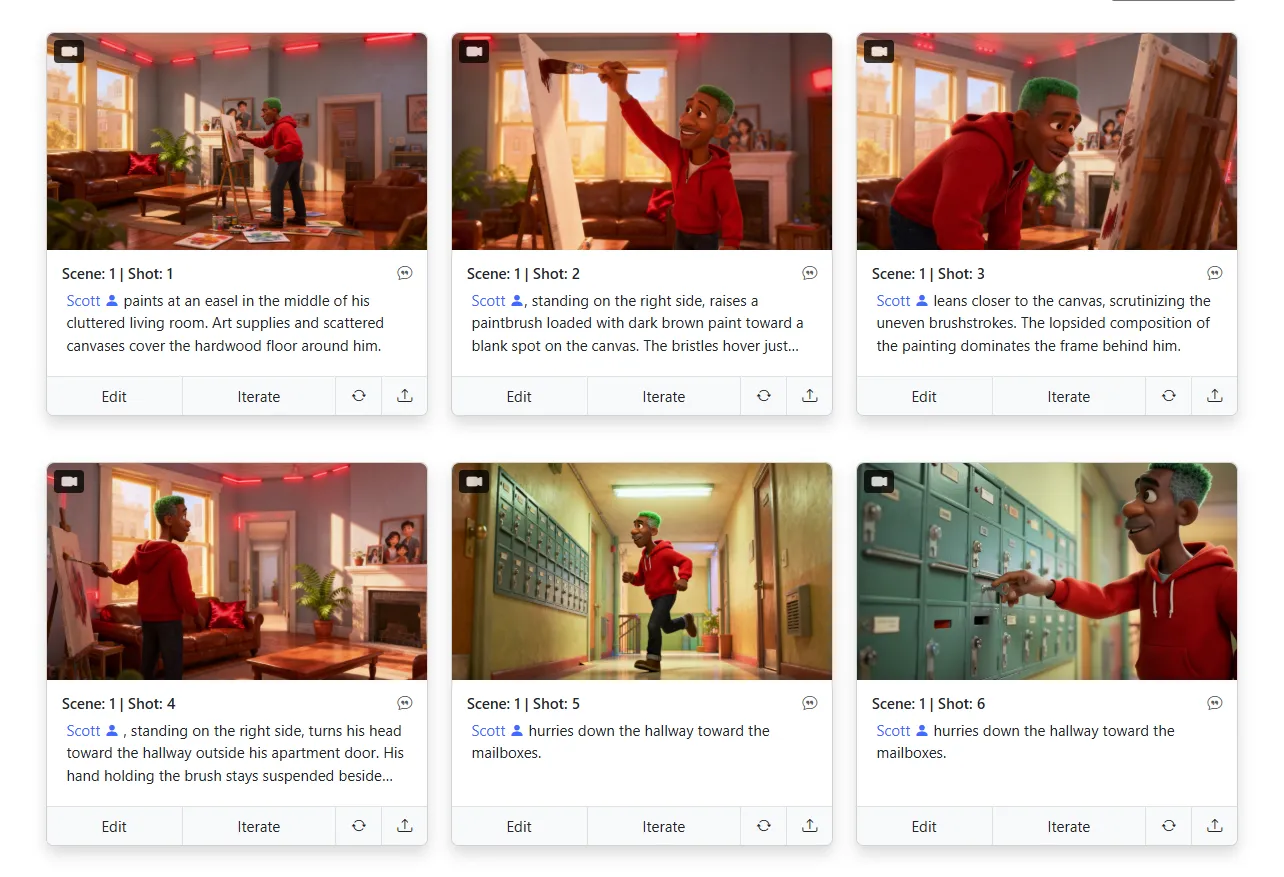
Upload your napkin sketches and let AI refine them into polished storyboard panels — your creative vision, elevated.
Hover to see more →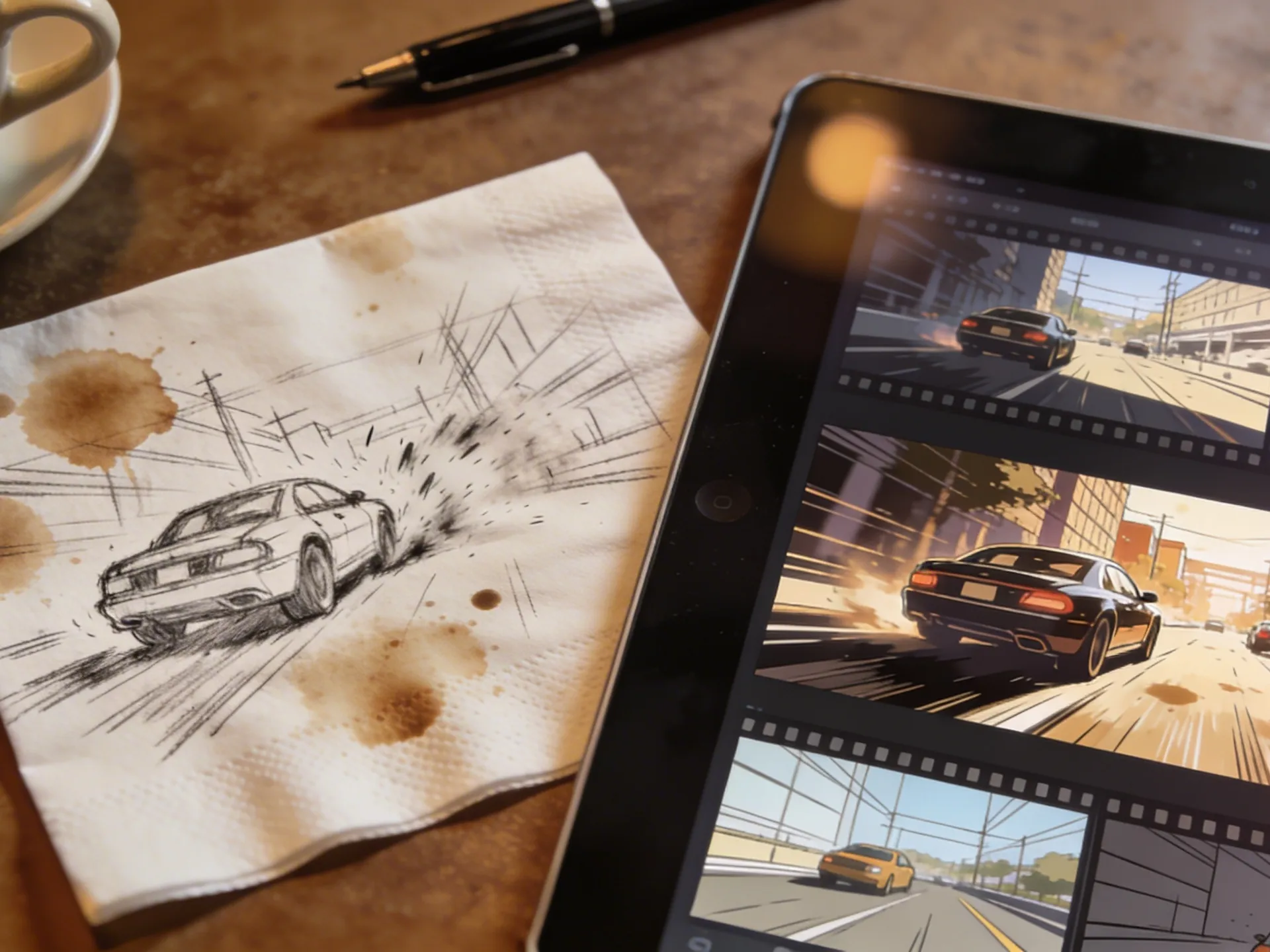
Upload any reference image as your style guide. Comic, photoreal, anime — or your own proprietary look.
Hover to see more →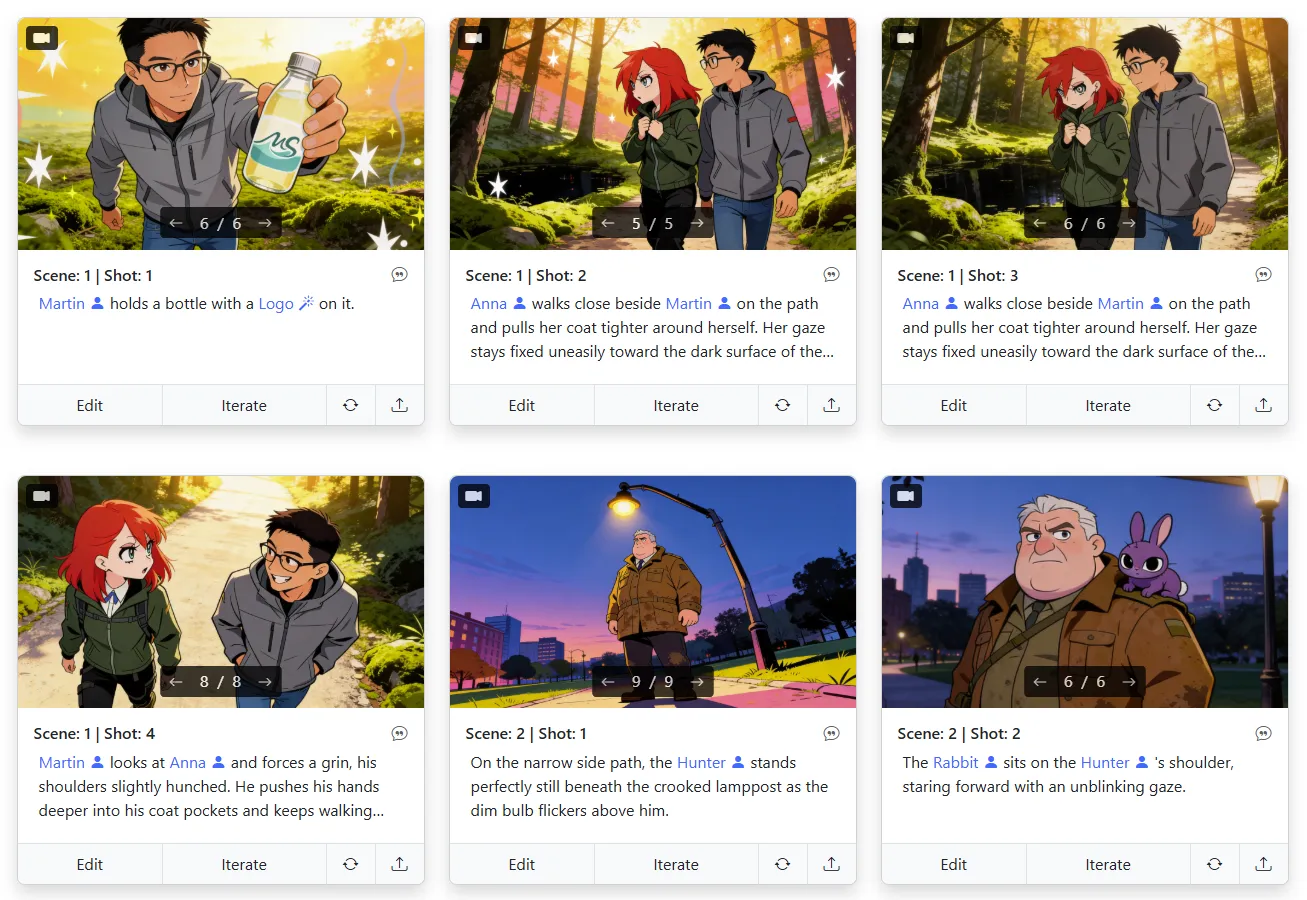
No credit system. No pay-per-image. Every plan includes unlimited image generation — iterate freely.
Hover to see more →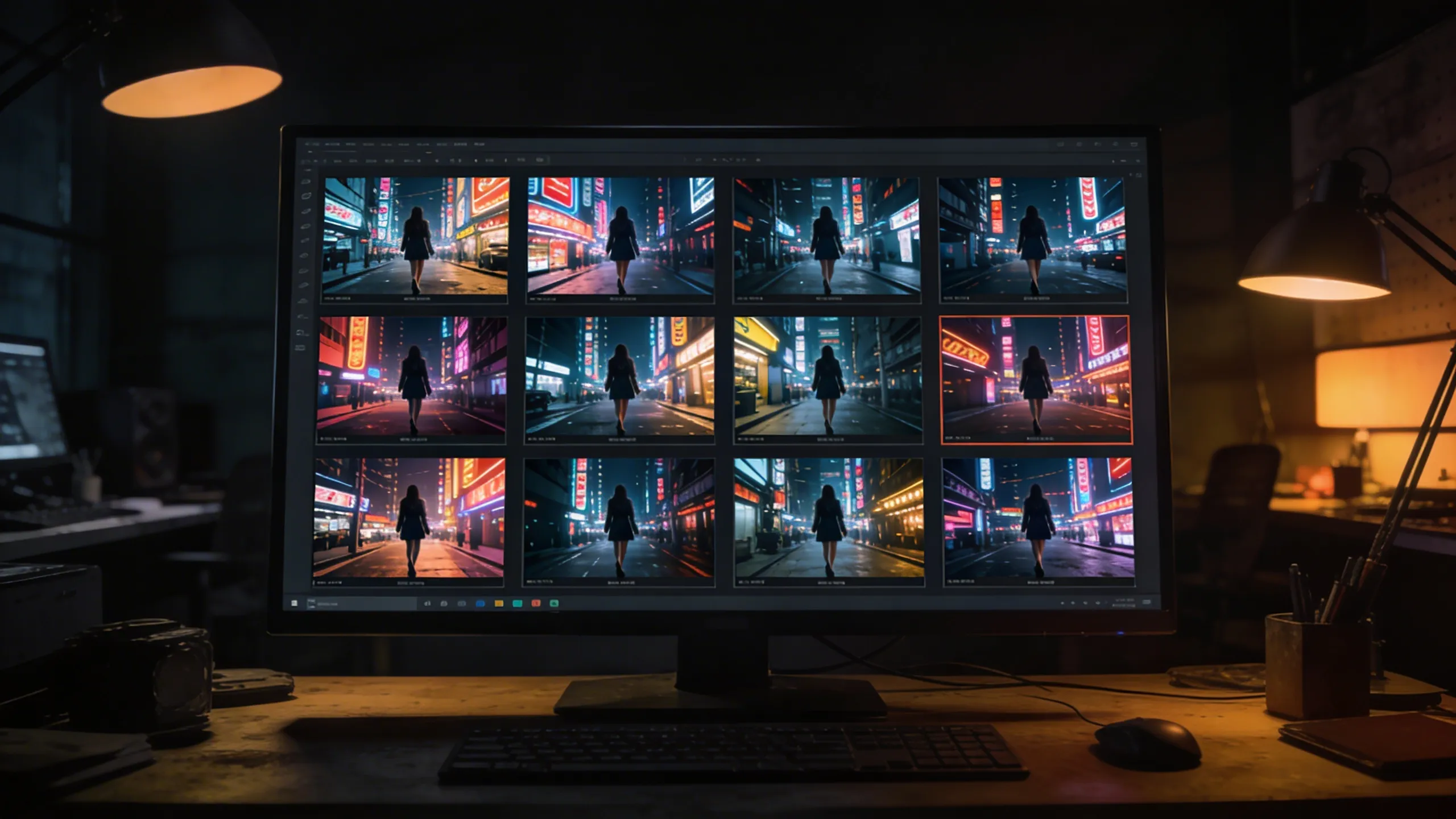
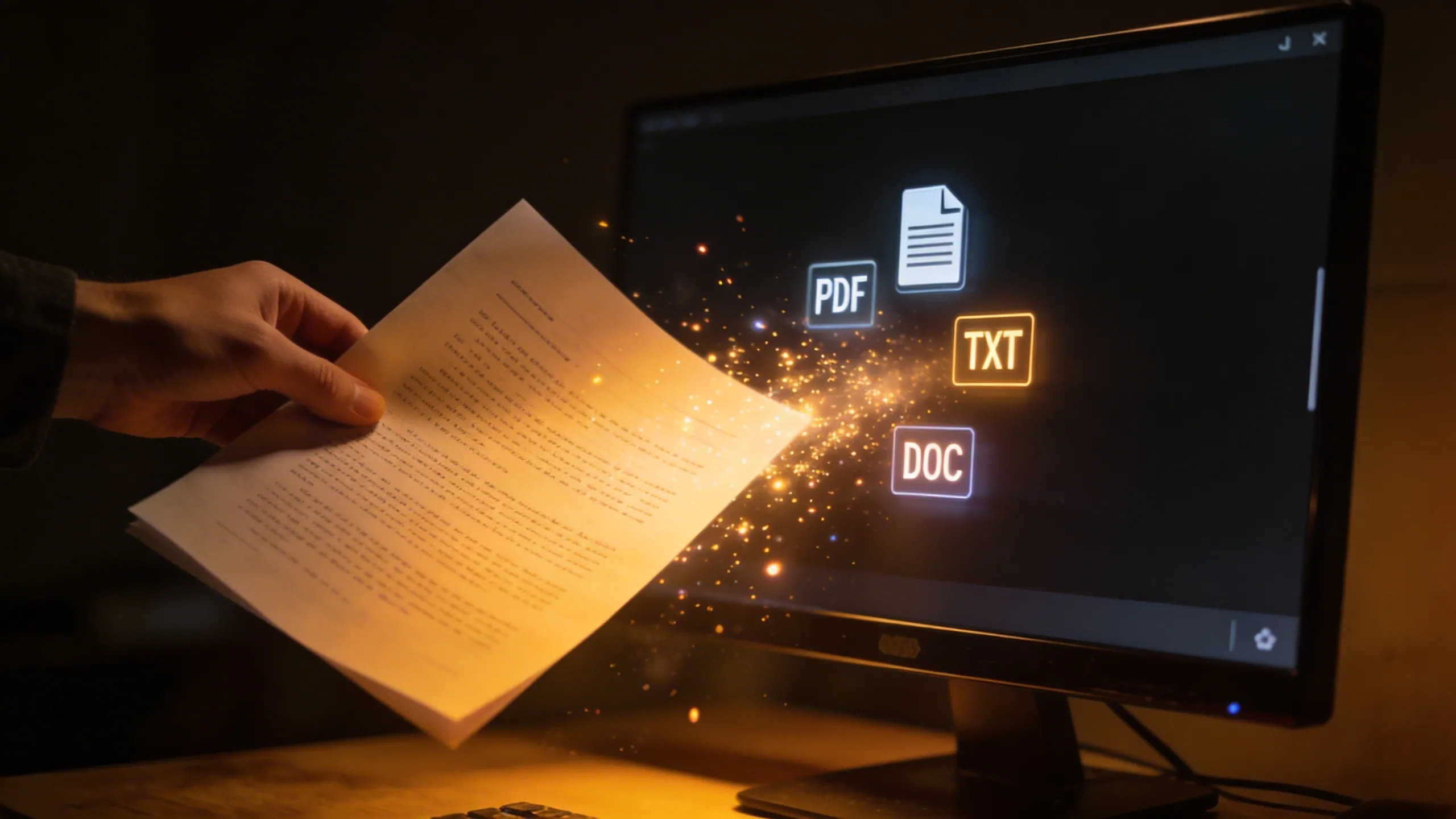
PDF, FDX, Fountain, Word, plain text — any script format works. Or just type your idea and go.
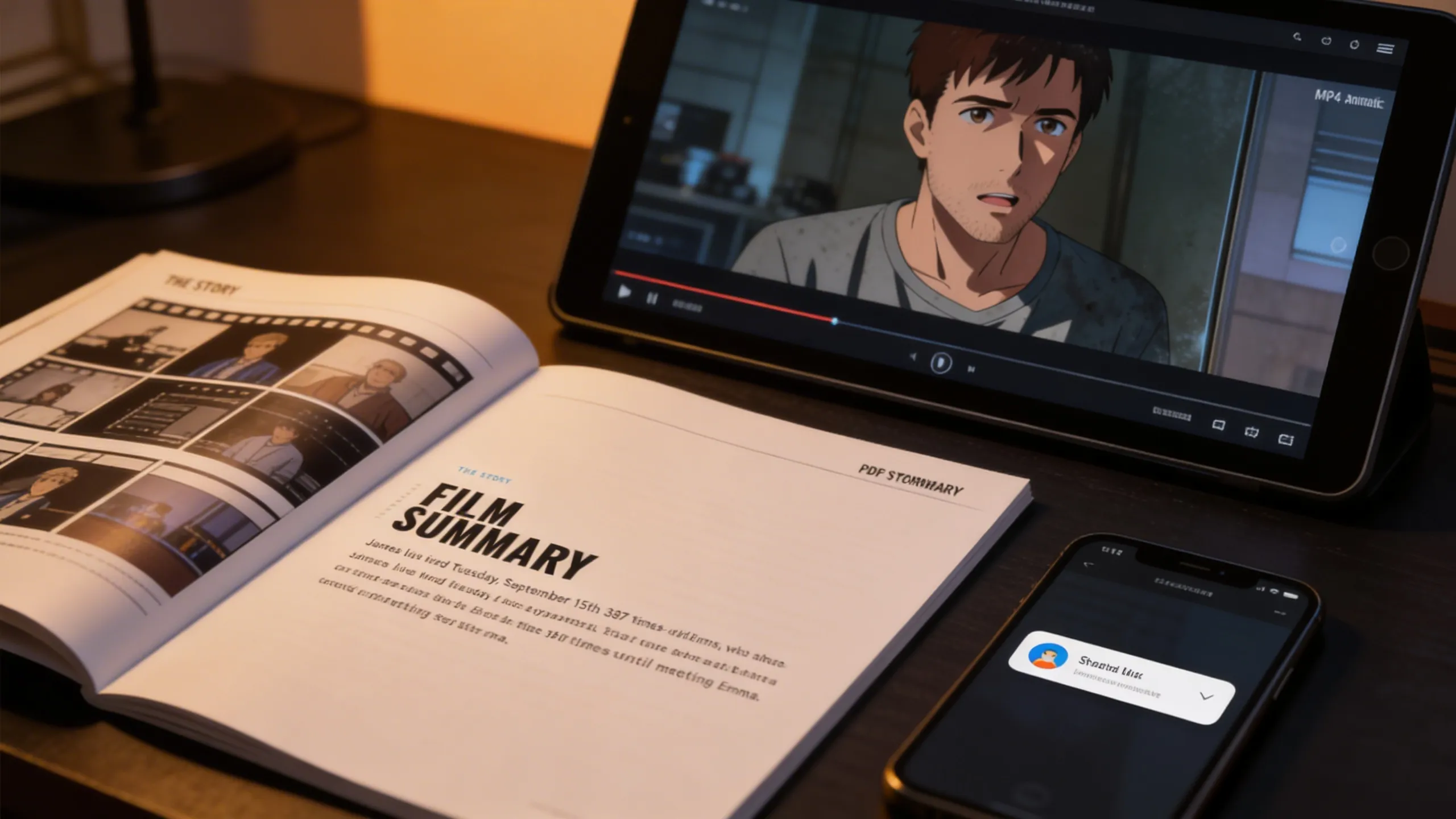
Export shot lists and storyboards as PDF, or generate MP4 animatics. Share directly with your crew and clients.
Whether you're shooting a feature film or a 30-second commercial, Storyboarder.ai adapts to your workflow.
Handle scripts of any length. Maintain consistent characters across hundreds of scenes. Present your vision to investors and crew with professional storyboards.
Pitch advertising concepts visually in minutes. Align with clients before a single frame is shot. Speed up approval cycles and reduce costly revisions on set.
Pre-visualize animated scenes, character motion, and shot flow before committing to production. Lock in art style and staging visually. Cut down on expensive rework by nailing the story first.
Perfect for indie filmmakers and film school students. Get a complete visual blueprint for your short without needing a professional storyboard artist.
Plan internal communications, training videos, and brand content. Keep stakeholders aligned with visual storytelling before production begins.
Visualize interview setups, B-roll concepts, and documentary sequences. Create reference boards that guide your crew through complex multi-location shoots.
"Storyboarder.ai has been transformative to my workflow — it makes the brainstorming for new projects really smooth and quick. It helped me speed up my pre-production workflow so I can focus more on the finer details of storytelling rather than on admin. I can thoroughly recommend the platform!"

"The platform has tons of user-friendly options, great attention to detail, and amazing customer service that makes everything easy and enjoyable."

"The AI generation is definitely better than other apps I've tried — more accurate and higher quality results. The shot list feature is fantastic for organizing everything."

"I really like that it's super intuitive and doesn't require much tech know-how. It makes the whole process feel seamless, allowing you to focus on what's most important — storytelling."

"The shotlist generator has been a big time-saver! I'm terrible at drawing. Using storyboarder.ai to take my script and generate a shotlist made it a very easy process."

"The ability to modify every single image is a huge time-saver. I can update the project according to client requests without having to start from scratch every time."
"The 3D camera angle feature is a game-changer. I can finally match the exact framing I have in my head — low angles, dutch tilts, over-the-shoulder — without sketching it out by hand. It's like having a virtual camera on set during pre-production."

"What I love most about Storyboarder.ai is its efficiency in generating storyboards and helping me organize my creative ideas seamlessly. It's become an indispensable tool for brainstorming and refining my projects, saving me time and helping me stay focused on the creative vision."

To convert OBJ files to the DFF (RenderWare) format used in games like GTA San Andreas, you can use several specialized tools. Since you mentioned "portable," you may prefer web-based tools or lightweight software that doesn't require a complex installation. 1. Recommended Online & Portable Tools
These options allow you to convert files without a full software suite:
GTAStuff Modding Toolkit: This is an online, browser-based tool specifically designed to convert OBJ files to DFF for GTA San Andreas. It includes features like automatic polygon reduction and a 3D preview.
DFFConvert (Python Script): A lightweight, portable command-line script that can convert OBJ to DFF. While it requires Python, it doesn't need a traditional "installation" and can be run from a folder.
Mobile/Android Conversion: If "portable" refers to mobile use, you can use a combination of apps like ZArchiver, CAD Assistant, and ZModeler (via a cloud service or emulator) to handle conversions on the go. 2. Desktop Software (Standard Methods)
If you require more control over the conversion (such as textures and hierarchy), these are the industry standards: convert obj to dff portable
Blender: By using the DragonFF or RW-Tools plugin, you can import your OBJ and export it as a DFF. Blender is free and has a portable version available that can run from a USB drive.
ZModeler: A long-standing tool for GTA modding. You can import an OBJ and export it to DFF, though it may require specific versions (like ZModeler2 for older games). 3. Quick Comparison of Methods GTAStuff Web Browser Fastest, no installation needed. DFFConvert CMD/Python Automation and simple batch tasks. Blender (Portable) Windows/Linux Advanced editing and texture management. ZModeler Precise GTA-specific model hierarchy.
Important Note: When converting, ensure your MTL (material) files and textures (usually in PNG or TGA format) are in the same directory as your OBJ to ensure the final DFF preserves its appearance. AI responses may include mistakes. Learn more
| Problem | Cause | Portable Fix | |---------|-------|---------------| | Model invisible in game | Missing or broken hierarchy | Add a root frame with proper name | | Game crashes on load | Vertex count > 65535 | Split mesh into multiple atomics | | Wheels/parts detached | Wrong bone orientation | Reset rotation of dummy frames to 0,0,0 | | Texture corruption | Non-power-of-two texture | Resize to 32,64,128,256,512 | | MTA says "Corrupt DFF" | Embedded specular or bump maps | Remove material effects before export |
The landscape of 3D modeling is defined by a fragmented ecosystem of file formats, each designed to serve a specific purpose. On one side of this divide lies the Wavefront OBJ format, a universal, human-readable standard praised for its simplicity and cross-platform support. On the other lies the RenderWare DFF (Draw Format File), a proprietary, compiled binary format optimized for real-time rendering in game engines, most notably the RenderWare engine that powered countless titles of the sixth console generation. Converting an OBJ file to a DFF is not a simple "Save As" operation; it is a complex process of data translation, structural reorganization, and hierarchical enrichment. This essay outlines the technical necessity of this conversion and details the step-by-step methodology required to produce a game-ready DFF asset. To convert OBJ files to the DFF (RenderWare)
A common misconception is that a simple converter tool can magically turn any OBJ into a game-ready DFF. This fails because DFF stores data OBJ cannot natively hold:
ped_dummy, wheel_lf_dummy) for bone attachments and vehicle part positioning.g) or object names must be meticulously split.Thus, the "portable" part of the process means creating a repeatable workflow, not a one-click solution.
Collada2DFF is a command-line tool originally from the GTA Modding community. A true portable build exists.
Collada2DFF_portable.zip and extract into X:\PortableRWTools\Collada2DFF\.collada2dff.exe mymodel.dae mymodel.dff
Loaded DAE, wrote DFF successfully.If you get errors about missing normals or non-triangulated geometry, return to Step 2 (triangulate and recalculate normals outside Face → Smooth/Flat).
The process begins not in a converter, but in a modeling suite such as Blender or 3ds Max. The OBJ file must be "cleaned" to meet DFF constraints. Since RenderWare typically demands triangulation (due to fixed-function pipeline limitations), the modeler must triangulate all quads or n-gons present in the OBJ. Normals must be hardened or softened appropriately, as the DFF will lock these vertex normals permanently. Common Portability Pitfalls & Fixes | Problem |
Furthermore, the OBJ’s texture mapping must be verified. RenderWare uses conventional UV mapping, which OBJ supports, but DFF assets require textures to be in specific formats (e.g., .txd archives). Consequently, the modeler must note the exact UV layout, as the conversion process will reference external texture dictionaries without embedding image data.
Before diving into the conversion process, let’s clarify the two formats:
A converted DFF is useless if it crashes the game. Use RWAnalyze to check:
Geometry, MaterialList, Atomic, and FrameList sections?Several software applications offer OBJ to DFF conversion capabilities. Some popular options include:
3D Modeling Software: Software applications like Blender, Maya, and 3ds Max support both OBJ and DFF file formats. These applications can be used to import OBJ models and export them in DFF format.
Conversion Tools: Specialized conversion tools like Obj2Dff and DFF Converter offer a straightforward way to convert OBJ to DFF.






Join 250,000+ filmmakers, agencies, and creators who've already transformed their pre-production workflow with Storyboarder.ai.